Payments go straight
to your account
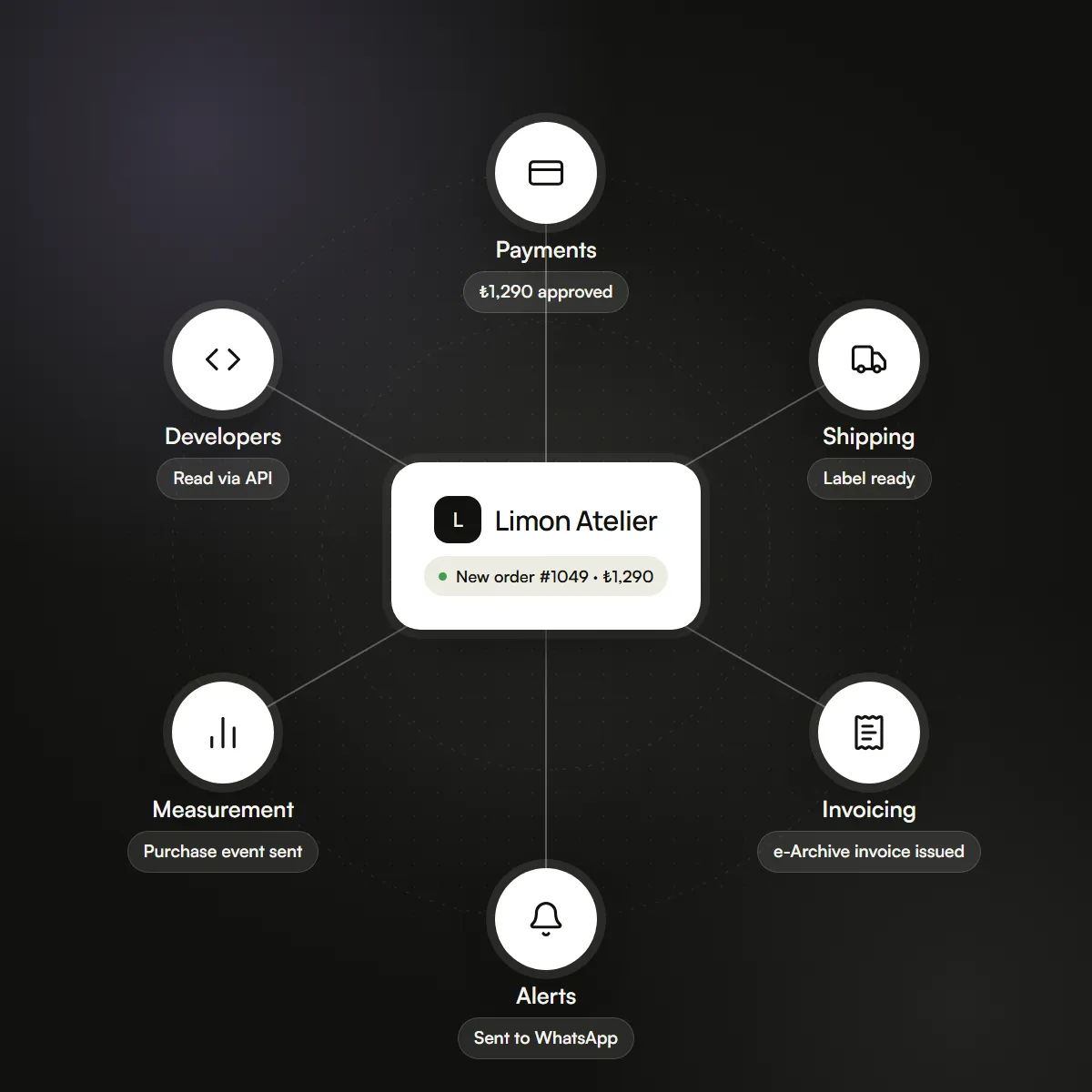
Take card payments through your own payment account, and turn on cash on delivery if you like. The money never passes through heysengo.
Three steps to taking payments
Open a payment account
Get your own virtual POS from your bank or a payment institution. Your contract and fees are with them.
Add your details to the panel
Enter the keys your payment provider gives you on the Integrations screen of your panel.
Start selling
The card option appears at your checkout and the money goes to your account. With cash on delivery on, you can sell before connecting a card.
New in September 2026
Changes that cut
payment uncertainty
The latest changes on the payments side. All of them are live.
All updatesRefunds aren't forgotten on cancel
When you cancel a card-paid order, you either enter the refund reference or note why you didn't refund.
Pending payments stay visible
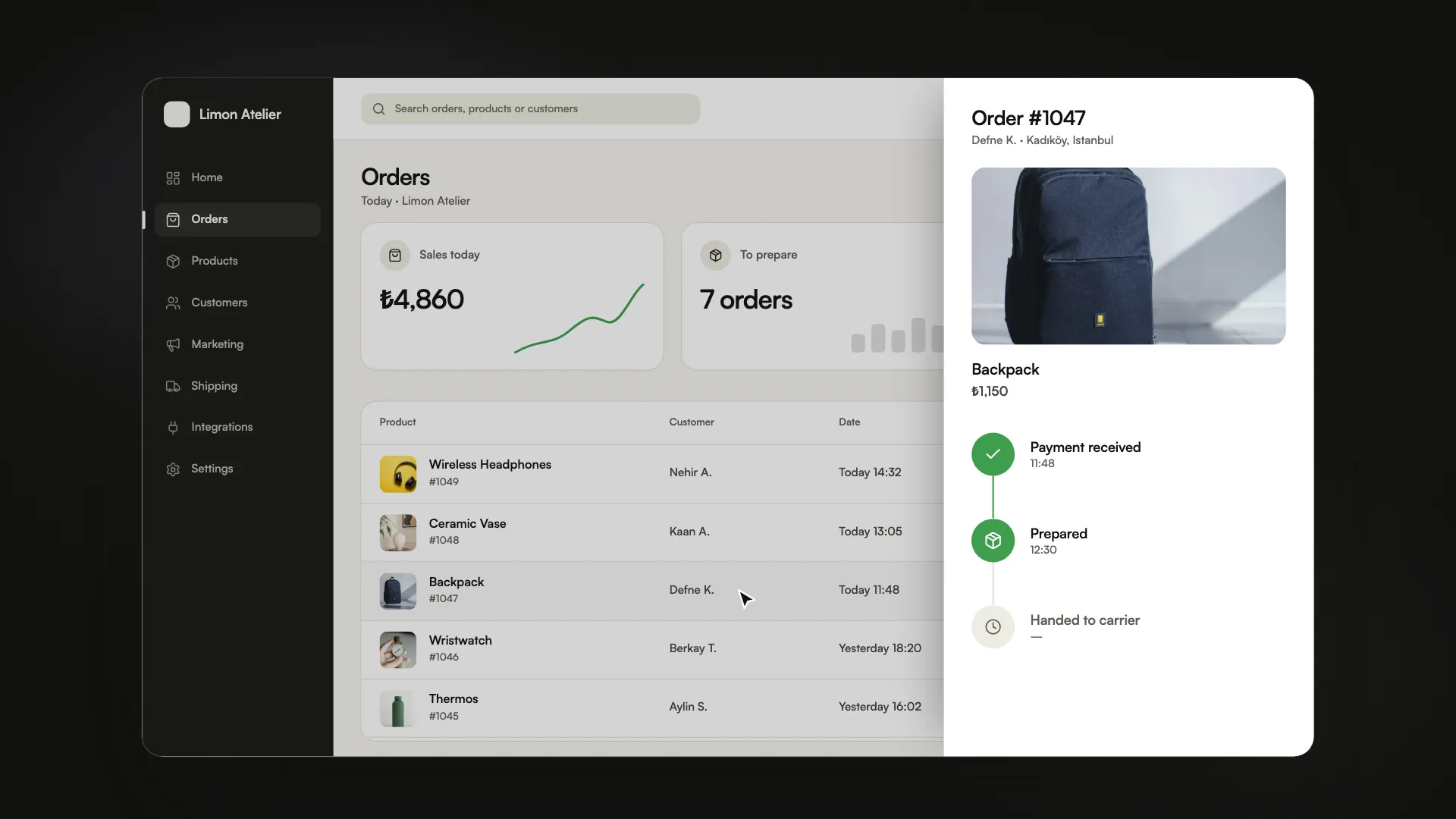
Card payments waiting for the bank's approval sit in one line above your order list, with their count and total.
Order emails get resent
If the “order received” email for a card-paid order didn't go out, an hourly check catches it and sends it again.
What's ready in payments?
What works at your store's checkout today. Which provider offers what is on the Integrations page.
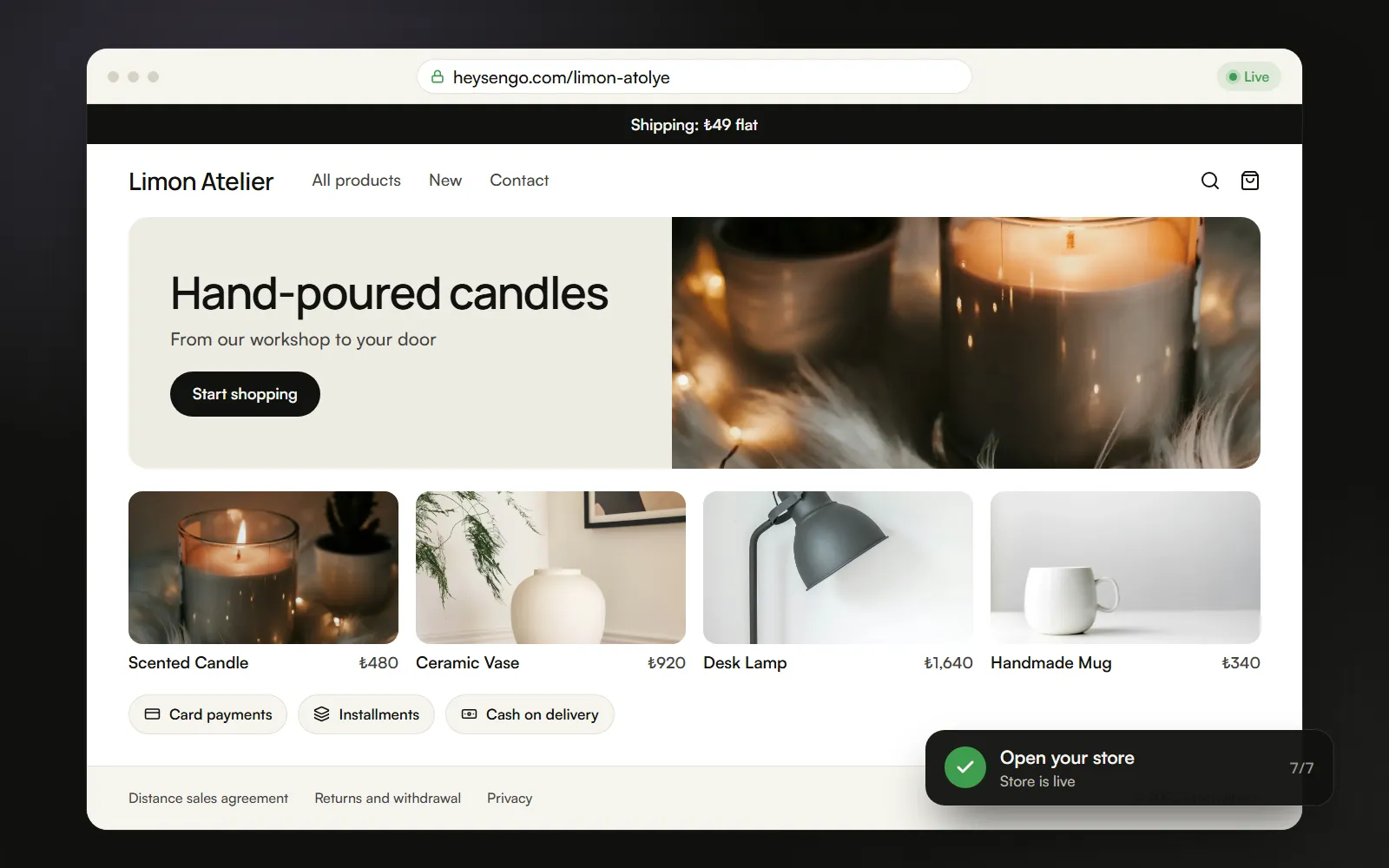
Card payments
For stores selling in Turkish lira, through your own payment account.
Installments
Chosen at checkout when your payment provider offers them.
Cash on delivery
The customer pays on delivery. You set the cash-on-delivery fee and its upper limit.
A money decision on every cancellation
When you cancel a paid order, you either refund it or note why you didn't. The decision stays on the order.
Discount codes
Customers enter a code at checkout. A code that arrives with a campaign link is applied automatically.
Full or partial refunds
Record each refund with its amount on the order; the customer gets an email in their language every time.
Refunds are made in your payment provider's own panel. Its fees and contract are between you and the provider.
Common questions.
Can't find your answer? Message us on WhatsApp. A real person will reply.
Ask on WhatsAppWhere do payments go?
Straight to your own payment account. You take card payments through your own virtual POS; heysengo never stands between you and your money. Your payment provider charges its own transaction fee.
Which payment methods are ready?
Card payments and cash on delivery. Installments appear at checkout when your payment provider offers them. See which provider offers what on the Integrations page.
Is the payment provider's fee included in the commission or the plan fee?
No. The payment provider charges its own transaction fee separately and directly.