
Setup and support
The seven steps to your first sale, two ways to reach a person and docs for developers are all here.
Weekdays 09:00–18:00 (Türkiye time)

Seven steps to your first sale.
You go in order. Your store doesn't open for sales until payments, the shipping fee and your legal details are done.
Type your store's name; the heysengo.com/yourstore address becomes yours along with your account.
Have ready: Your store name
Pick one of four themes; the suggested add-ons come with it.
See the themesReplace the sample products with your own.
Have ready: Product photos, prices and stock counts
Connect your own virtual POS. Until then, you can sell with cash on delivery if you like.
Have ready: Virtual POS keys from your bank or payment provider
PaymentsEnter a flat shipping fee and, if you like, a free-shipping threshold.
Have ready: Your shipping fee and free-shipping threshold
ShippingCompany name, tax number and address. Your sales agreement and pre-contract information are filled in from them.
Have ready: Company name, tax number, address
Until you open it, visitors see a “coming soon” page; you and your team can see the store.
Other resources
- Reach a personMessage us on WhatsApp or by email; we reply during business hours on weekdays.
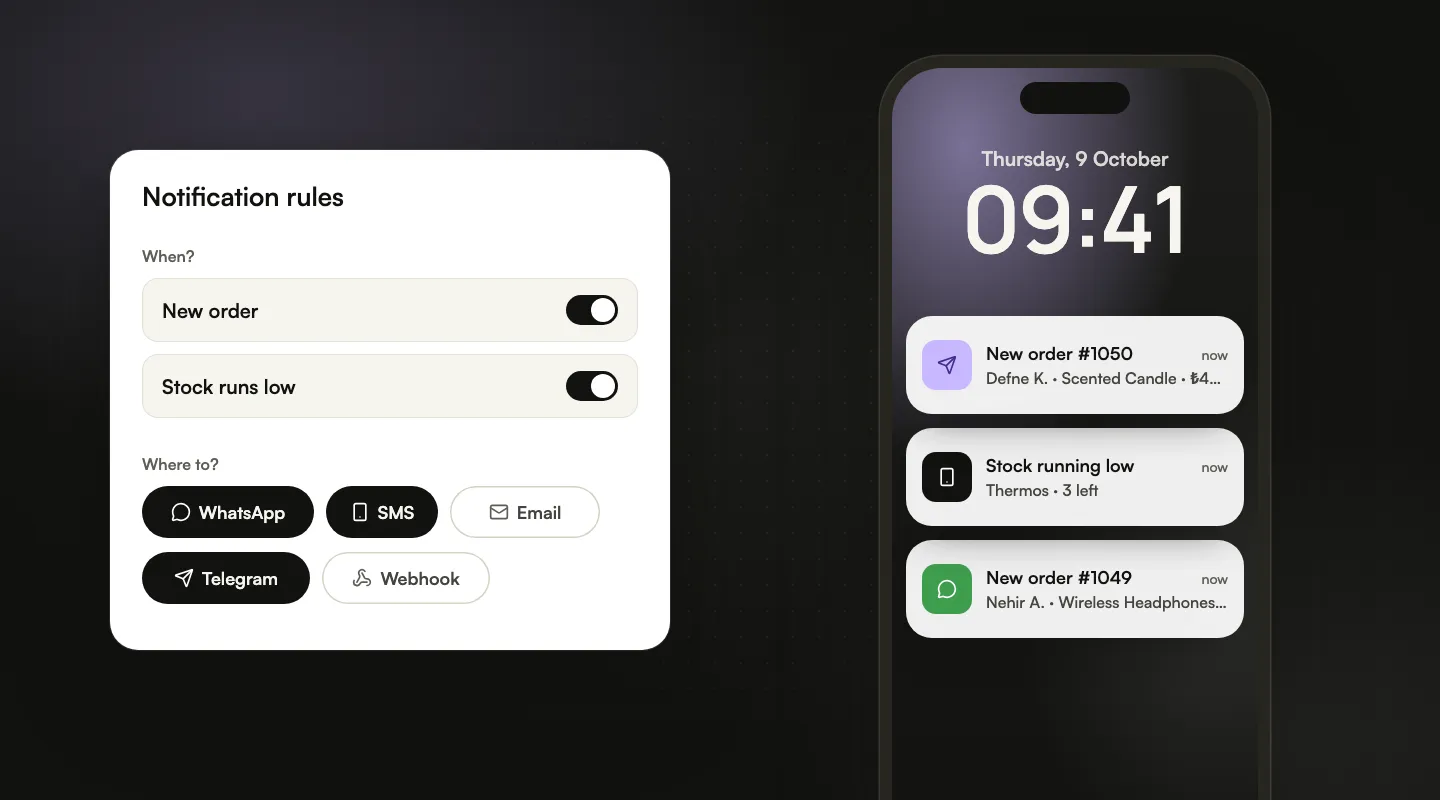
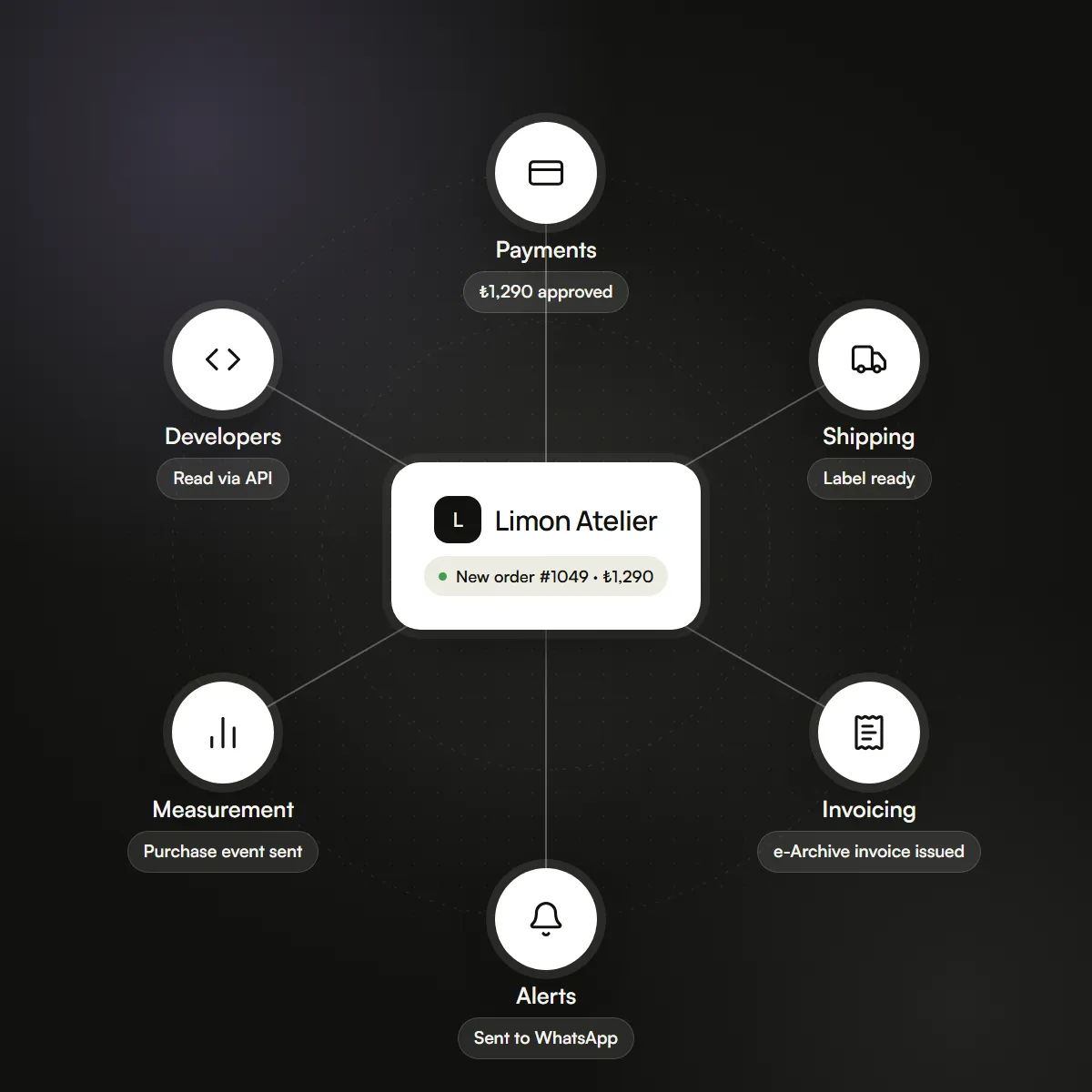
- IntegrationsWhich payment, shipping, invoicing and notification tools connect, and what each one needs.
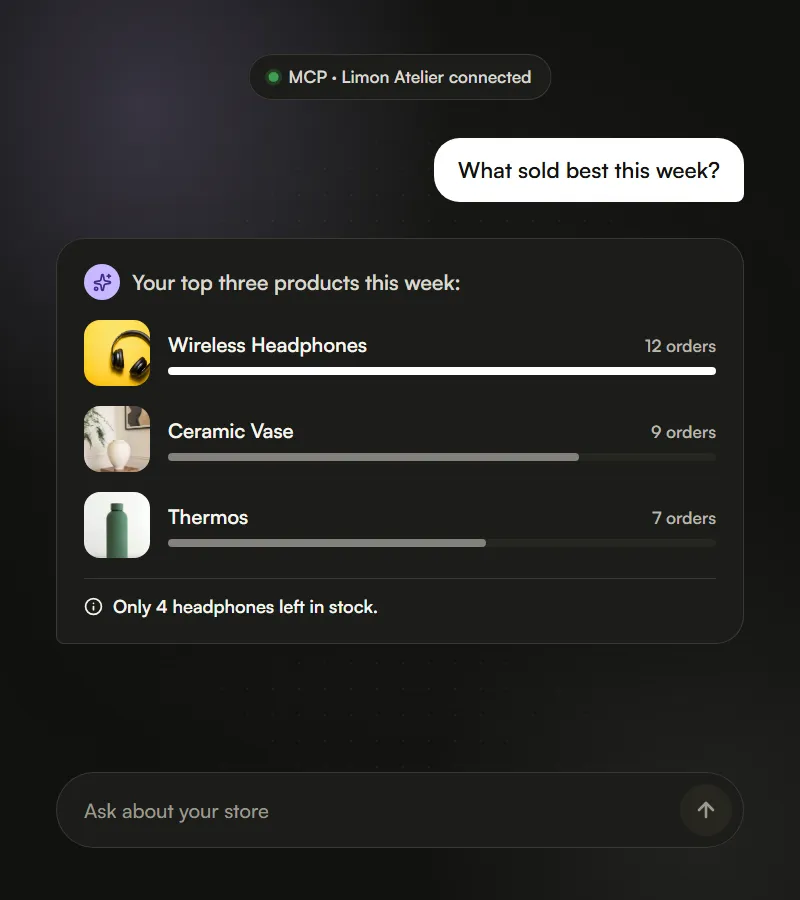
- DevelopersRead your products and orders from your own software with the public API and MCP.
- What's new?Every month's live changes, one change per line.